For FMCG and packaged-goods plants running ERPNext
Which carton did that customer receive?
If you count in pieces but sell in cartons, you probably cannot answer that in two minutes. This guide shows how to gain carton-level control in ERPNext, without costly custom development.
₹2,500 ₹999
- 34-page PDF
- Instant download
- Tested step by step on ERPNext v16
- No custom development needed
Sound familiar?
Stock in pieces, orders in cartons
The system shows 23,500 pieces, but dispatch needs to know how many sealed cartons are ready to ship.
No carton identity
Cartons look identical, so complaints, returns and replacements cannot be tied to a specific carton or production day.
Short and opened cartons
A few pieces come out for a loose sale or a sample, and a "full" carton quietly ships short.
Held or damaged stock gets shipped
A carton set aside for a quality check ends up on the next truck.
Recalls are guesswork
When a lot of raw material is found faulty, you cannot list which cartons it went into, or where those cartons went.
Counting takes too long
Stock checks mean counting pieces, and the totals never quite match.
One wrong shipment, one unanswered complaint, one recall you cannot scope: each one costs far more than the time it takes to put control in place.
Control you can see, trust and prove
This guide is written for plants that already use ERPNext, or are about to. It stays within what ERPNext already offers, and every step was tested on ERPNext version 16, so you do not have to guess whether it will work on your system.
What you will be able to do
- Know exactly which carton went to which customer, and when.
- Trace any carton back to its production date and what went into it.
- Keep held or damaged cartons from being shipped by mistake.
- Stop short and opened cartons from going out as full ones.
- Handle returns, loose-piece sales and recalls without losing control.
- Get there without a costly custom development project.
What the guide covers
- Why units of measure alone are not enough What carton-level control has to deliver, and how to set it up once.
- From the packing line into stock How production should be recorded so every carton is identified from the start.
- Holds, damage and rework Keeping stock you should not sell away from the shipping floor.
- Selling and dispatching in cartons A reliable route from order to delivery that names every carton.
- Returns, shortages and loose pieces What to do when a carton is not the clean unit.
- Traceability and recalls From a carton number to its full story, in both directions.
- A test script and common mistakes Ten scenarios to confirm each step on your own system before you go live.
Includes an optional safeguard you can add, and a list of exactly what was tested, so you know what to repeat on your own site.
This is for you if
- Production, stores and dispatch heads in FMCG, food, personal-care, stationery and other packaged-goods plants.
- ERPNext administrators and consultants who have been asked to "track cartons".
- Owners who want carton-level traceability without a costly custom build.
This is not for you if
- Businesses that do not run, or plan to run, ERPNext.
- Products that are not packed and sold in fixed cartons, boxes or cases.
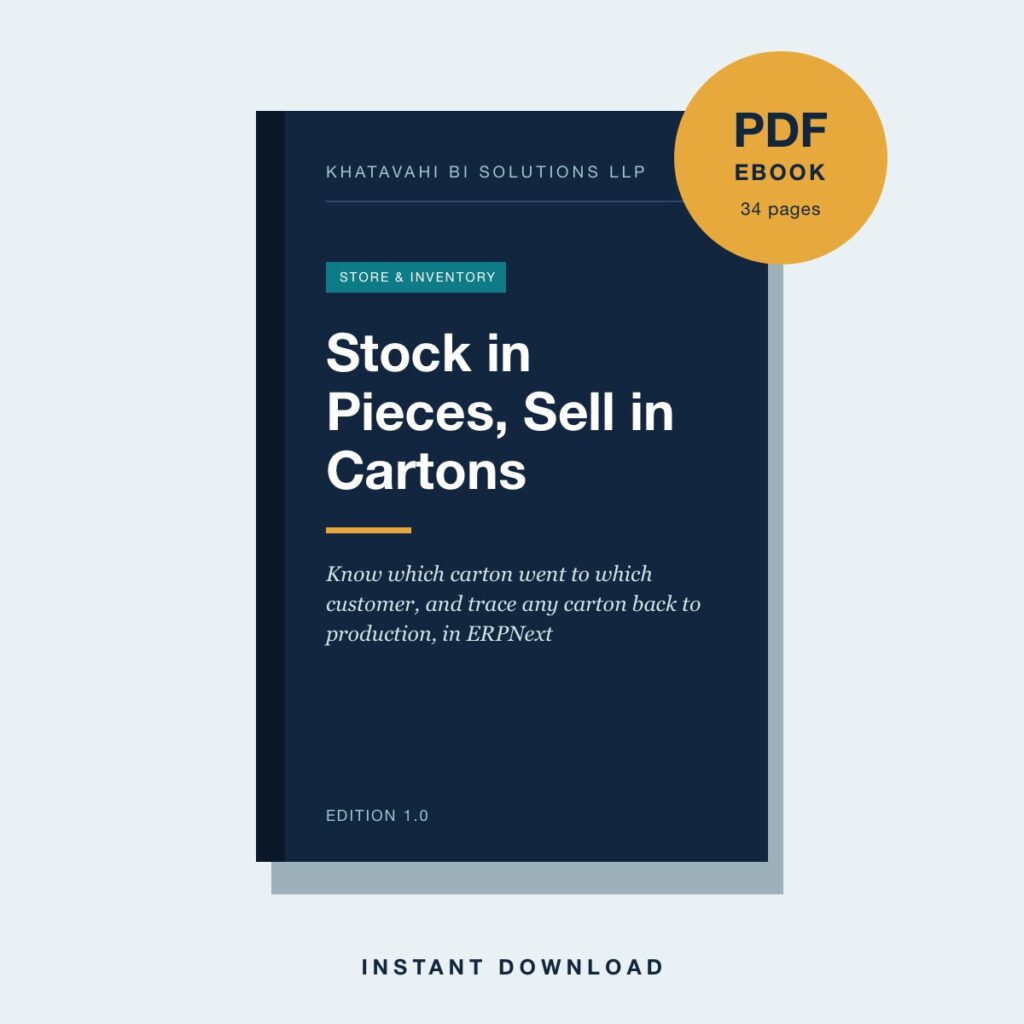
Stock in Pieces, Sell in Cartons
₹2,500 ₹999
- Instant PDF download after purchase
- Read on any phone, tablet or computer
- Download link on your order page and in your email
Questions
Is this for my business?
Yes, if you produce or trade a product that is counted in pieces but packed, sold and shipped in cartons, boxes or cases, and you run ERPNext or plan to.
Does it need expensive customisation?
No. The approach is built on what ERPNext already offers, and every step was tested on ERPNext version 16.
Will it work on my ERPNext version?
It was tested on version 16. The ebook includes a test script so you can confirm each step on your own system before going live.
How do I get the ebook?
After checkout, a download link appears on your order page and in your order email.