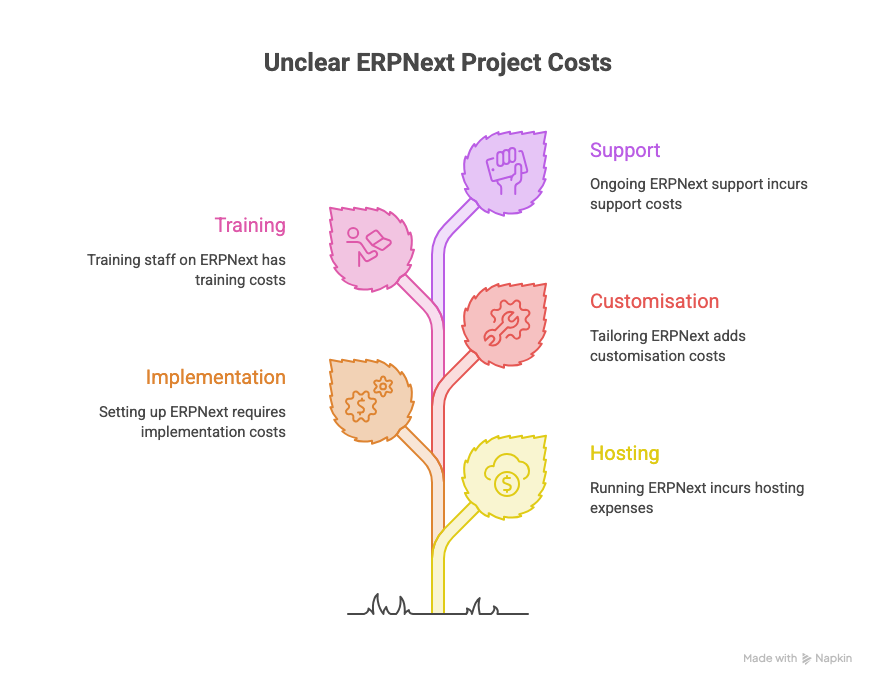
ERPNext itself costs nothing to license, but running it on your business does cost money. The real price of an ERPNext project is hosting, implementation, customisation, training and support, and it depends on your size and needs far more than on the software.
“What is the price of ERPNext?” is the first question almost every owner asks us. The honest answer has two parts, and this post explains both so you can budget with confidence.
Is ERPNext really free?
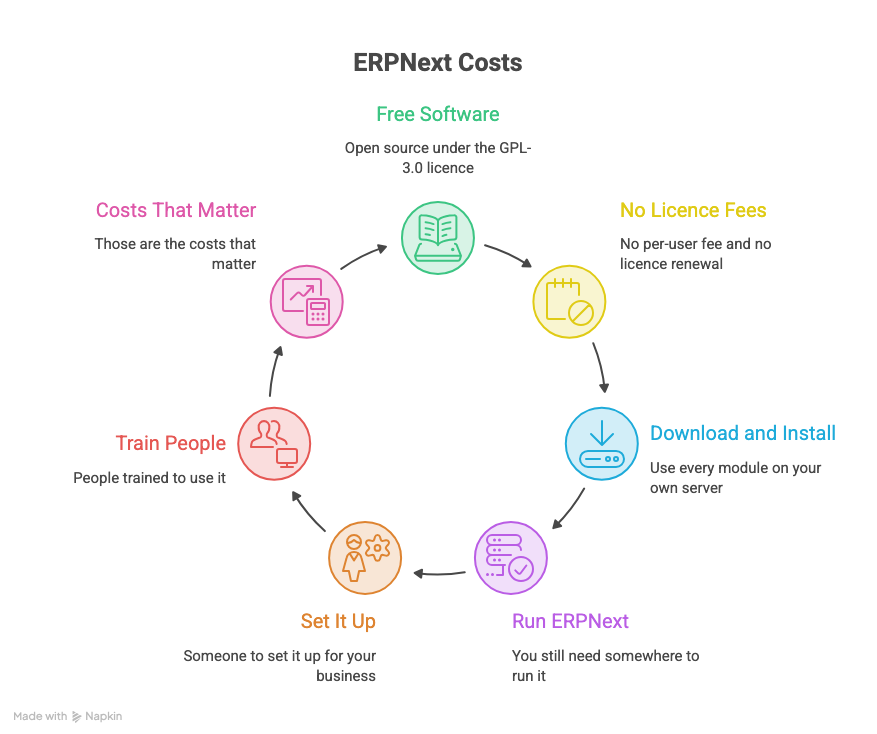
Yes, the software is free. ERPNext is open source under the GPL-3.0 licence, its source code has been public since 2009, and Frappe says it will remain free and open source.
There is no per-user fee and no licence renewal. You can download it, install it on your own server and use every module, including accounts, inventory, manufacturing, HR and CRM, without paying for the software.
Free software is not a free project, though. You still need somewhere to run it, someone to set it up for your business, and people trained to use it. Those are the costs that matter.
Hosting: where ERPNext runs and what it costs
Hosting is the most visible running cost, and you have two routes: Frappe Cloud, which is managed for you, or your own server.
| Option | Starting price | Best for |
|---|---|---|
| Frappe Cloud, Sites | From $5 (₹410) a month | A single site on shared servers, with managed upgrades and backups |
| Frappe Cloud, Servers | From about $20 (₹1,800) a month | Multiple sites, with shared or dedicated instances |
| Frappe Cloud, higher Servers tier | From about $125 (₹5,400) a month | Dedicated isolation, snapshots, autoscaling and stronger uptime |
| Frappe Cloud, Enterprise | Custom, on consultation | Large or regulated organisations |
| Self-hosting | Your own server or VPS cost, plus technical staff | Companies with an in-house IT team |
These are starting prices taken from the Frappe pricing page and the Frappe Cloud pricing page. The two pages list slightly different entry prices for Servers, so confirm the current figure before you budget.
Frappe Cloud charges for what you use, not per user. Adding ten more employees does not raise the hosting bill by itself, which is a big difference from many licence-based ERPs.
Self-hosting can look cheaper on paper. It also means you handle security, backups, upgrades and downtime, so count that effort as a cost.
Where the money actually goes
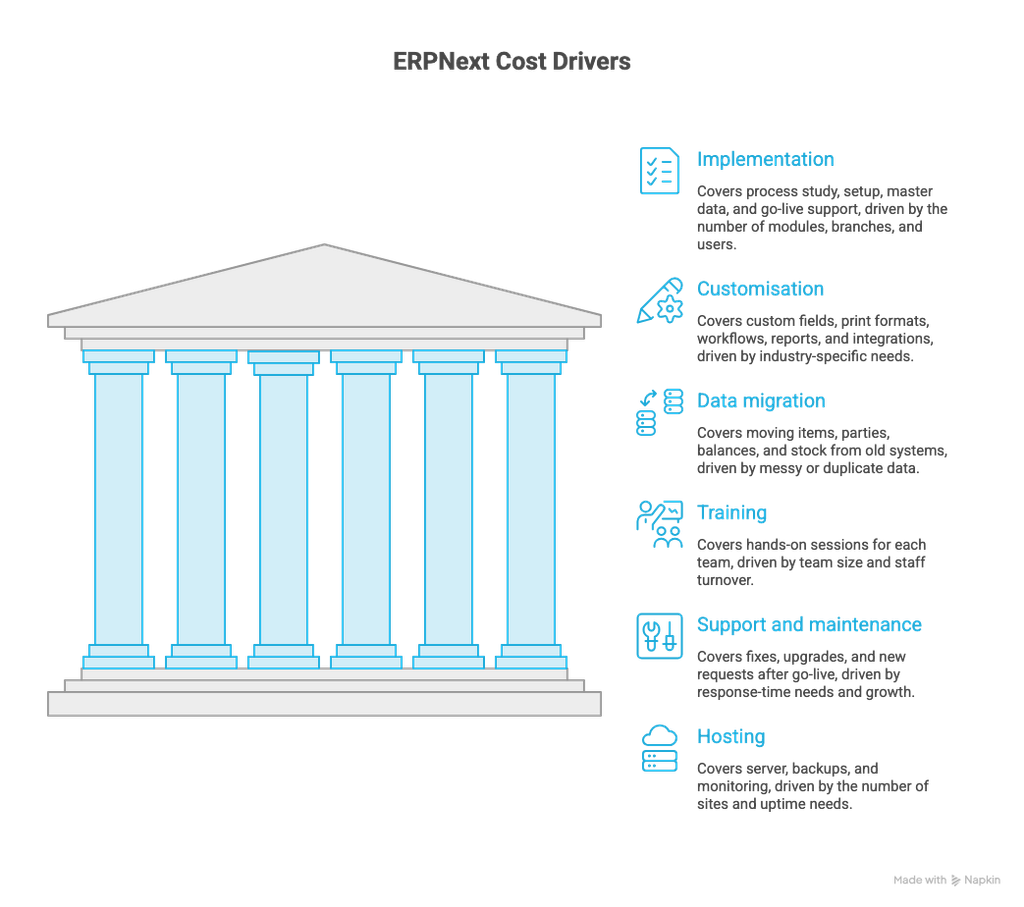
For most businesses, implementation and people cost far more than hosting. Here is what drives each part.
| Cost | What it covers | What pushes it up |
|---|---|---|
| Implementation | Process study, setup, master data, go-live support | Number of modules, branches and users |
| Customisation | Custom fields, print formats, workflows, reports, integrations | Industry-specific needs, such as textiles or diamonds |
| Data migration | Moving items, parties, balances and stock from old systems | Messy or duplicate data |
| Training | Hands-on sessions for each team | Team size and staff turnover |
| Support and maintenance | Fixes, upgrades, new requests after go-live | Response-time needs and growth |
| Hosting | Server, backups and monitoring | Number of sites and uptime needs |
Implementation can be done in three ways: self-implementation with the documentation, a starter pack from a certified partner, or a full project with one of the 200+ partners Frappe lists. The more you do yourself, the lower the cash cost and the higher the risk of rework.
ERPNext versus licence-based ERPs
The cost model is different, and that changes your long-term spend. Many commercial ERPs charge a licence fee, usually per user and often every year, on top of implementation. ERPNext removes the licence line entirely.
- No per-user licence: Growing your team does not multiply your software bill.
- No vendor lock-in: The code is open, so you can move to another partner or host without losing your data or paying to exit.
- Flexible customisation: You can adapt it to your industry without waiting for a vendor roadmap.
The saving is real, but it is not automatic. A poorly planned ERPNext project can cost as much as a licensed one through rework and delays, which is why the budget advice below matters.
How to plan your ERPNext budget
A clear scope is the best way to control cost. These steps keep the number honest.
- Define the scope first. List the modules, branches and users you need on day one, and what can wait for phase two.
- Ask for a fixed scope with a written estimate. Open-ended time-and-material projects drift.
- Start with core modules. Go live with sales, purchase, inventory and accounts, then add more.
- Separate must-have from nice-to-have customisation. Every custom report adds cost now and maintenance later.
- Budget for training and support. Teams that skip these often pay twice later.
- Pick hosting to match your risk. A small team can start on Frappe Cloud and move to a dedicated server as it grows.
- Keep a contingency. Setting aside a margin for unforeseen requests avoids stalled projects.
A good partner will quote against a clear scope and tell you what is not included.
Get a clear number for your business
ERPNext gives you a free, open-source ERP with no per-user licence. Your real price is hosting, implementation, customisation, training and support, and a clear scope keeps all of it predictable.
If you want an estimate for your own business, Khatavahi BI Solutions can review your needs and give you a written quote. Write to us at jigar@khatavahi.in.
Join our WhatsApp Community
Enjoyed this article? Join our WhatsApp Community to get every new blog post as soon as it is published, along with practical ERPNext articles, tips and updates. No spam, only useful content.